

Old versions for Android
Tribuna Norte APK
Check Tribuna Norte 9.8, package futbol.tribunanorte, with its Android 4.4+ requirement, file details and installation guidance.
Available downloads 1
9.8
Version details for 9.8
Version and Android requirement read from this APK.
No versions match this requirement. Choose “All Android requirements” to see every release.
Report a download problem
The Tribuna Norte APK available here is version 9.8, package futbol.tribunanorte, for Android 4.4 or later. If you came looking for version 2.1.1, check the package first: that number has been associated with a different application.
Tribuna Norte 9.8 file details
| File detail | Hosted download |
|---|---|
| Version | 9.8 |
| Package | futbol.tribunanorte |
| Minimum Android | 4.4+ |
| Download size | 9.41 MiB (9,869,213 bytes) |
| Format | APK |
Why the package matters more than the name
The earlier information on this page described Tribuna Norte Futbol Deportes, package com.tribunanorte.latino.futbol.envivo. That is different from the hosted futbol.tribunanorte file. Its version number, Android requirement and download size should not be used for this APK.
A larger version number is meaningful only within the same app’s release history. Version 9.8 is not evidence that this file is an update to the other application’s 2.1.1 release. Before replacing an installed copy, compare its identity with the details above.
What is available to download?
There is one Tribuna Norte download on this page. Select 9.8 in Available downloads. The filename is Tribuna_Norte__9.8.apk, and the file is a standard APK rather than a split-package archive.
Version, package name and minimum Android requirement were read from the hosted file. File size was checked separately. These checks do not establish publisher authenticity, malware safety or successful operation on a device.
Before installing on an older phone
Android 4.4 is the minimum declared by this file. It does not confirm that every phone running Android 4.4 can still use the app’s online functions. The installer, device and remote service all need to work together.
- Check your Android version in your phone’s settings.
- Record the version of any existing Tribuna Norte installation and save settings you need.
- Finish the download before opening the APK. Review Android’s installation and permission prompts.
- After installation, confirm which app was installed before entering any account information.
If installation fails, check available storage and the error message. A newer installed version or incompatible signing information can block replacement. Removing the current app can erase local data, so do not uninstall it just to try a file with a similar name.
If sports content does not load
First separate an app crash from an empty screen inside a running app. Restarting the phone or clearing the app cache may help with a local problem. If the app opens but content remains unavailable, check whether other internet services work on the same connection.
Changing the installer cannot guarantee that a removed stream or discontinued service returns. The hosted file has not been run to verify its sports coverage, player requirements or current streaming functionality.
Questions about this release
Is version 2.1.1 available here?
No. This page offers version 9.8 of package futbol.tribunanorte. The previously quoted 2.1.1 details belonged to a different package.
Does this download guarantee live football?
No current match coverage has been verified for this file. An available installer does not establish access to a particular event.
Can I use this APK as a backup?
It is an installation file, not a backup of your settings or saved information. Keep those separately before changing an existing installation.
Installation guide
- Choose the release you need and check its Android requirement.
- Use that version’s download button, then open your browser’s Downloads list.
- Check the file’s source and version before opening it. Follow Android’s installation prompts and keep Play Protect enabled.
- If replacing an existing app, back up its data first. A downgrade may require uninstalling the current app.
Frequently asked questions
Which version should I choose?
Start with the release you need and check the requirements supplied for that file.
Why is a download unavailable?
A working download link is not currently available for that release. Check the available downloads above for other releases.
Will an old version still work?
That depends on your device and the app’s current online services. A download link alone does not confirm compatibility or service availability.
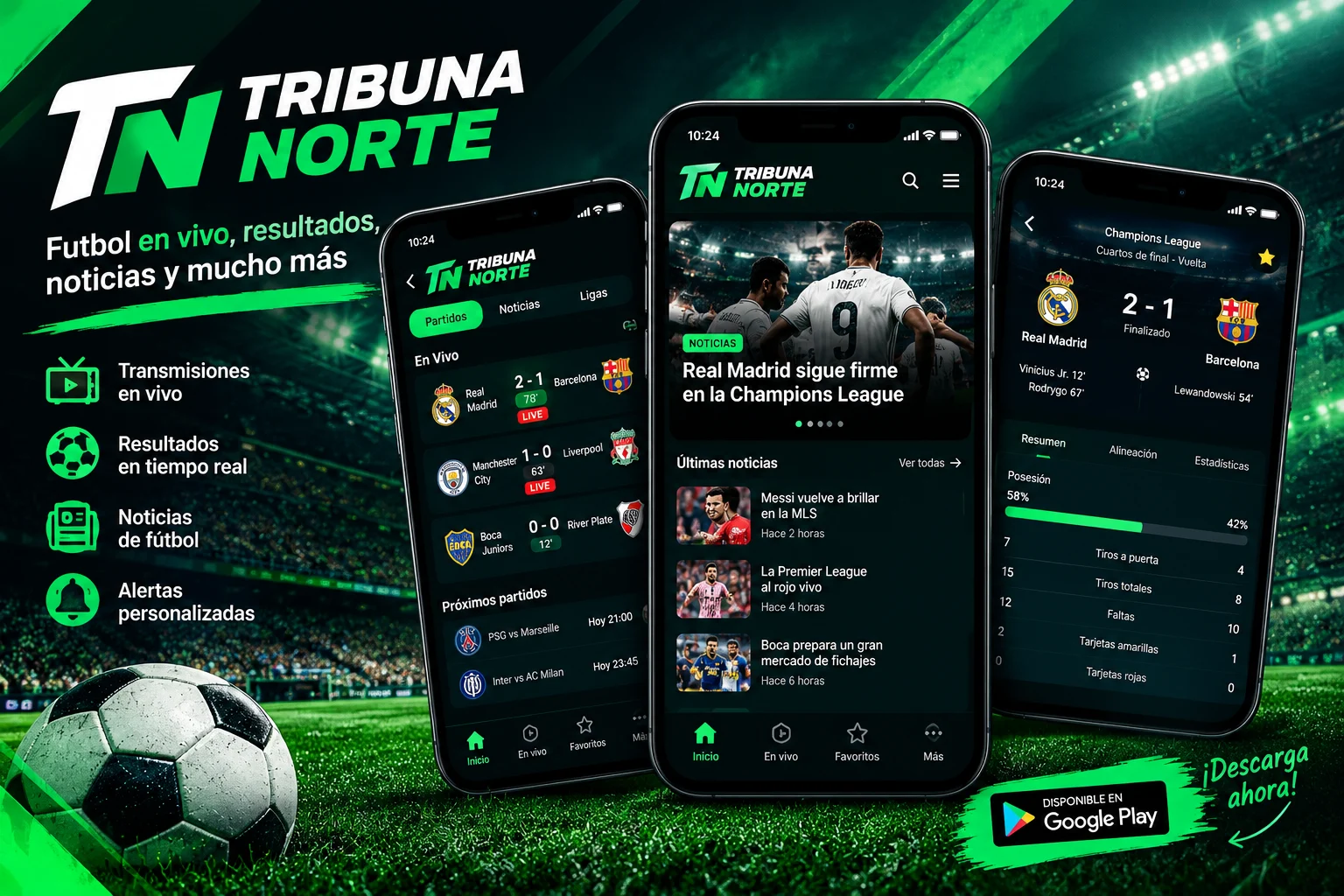
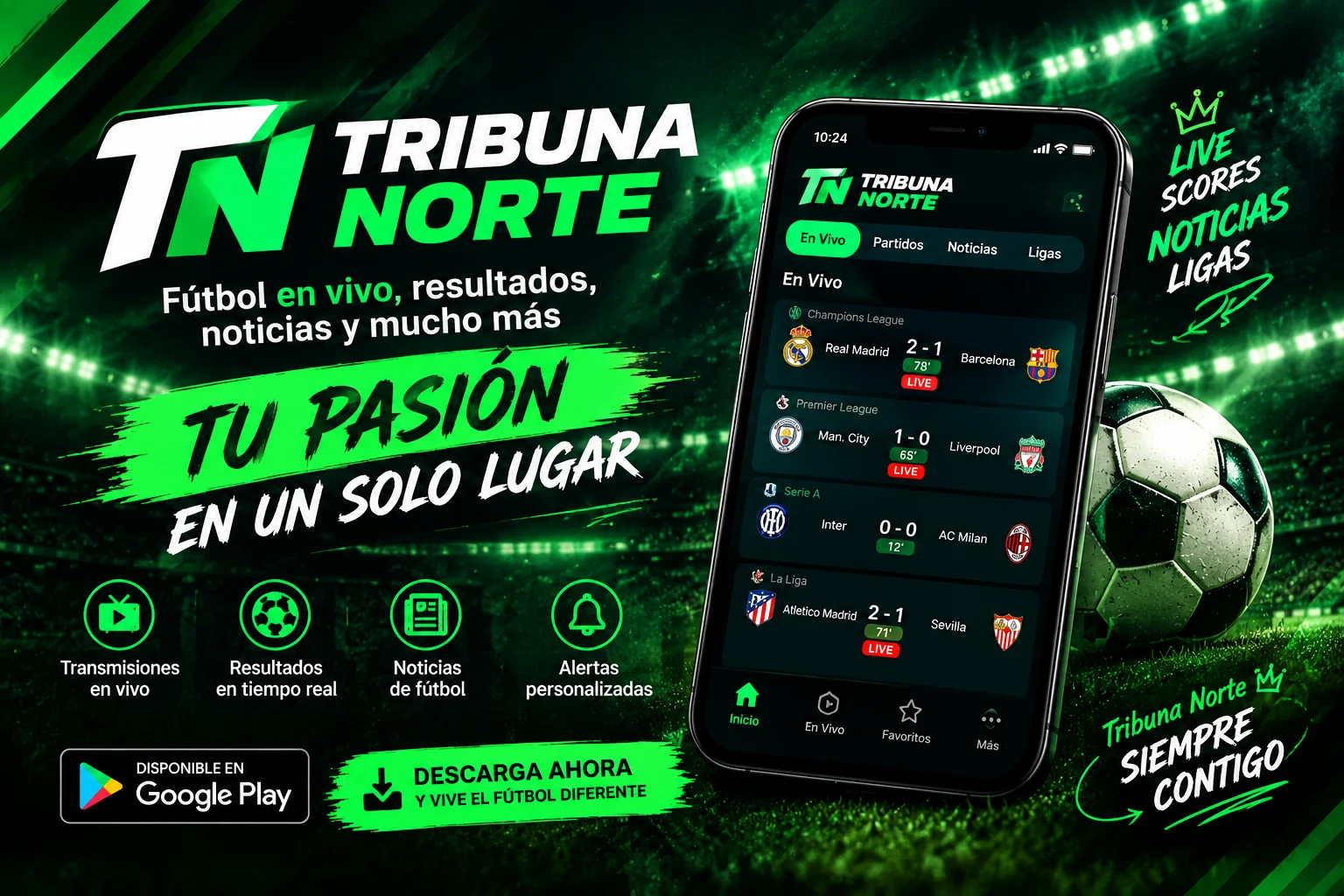
App preview















Ratings & reviews
No reviews yet.