

Old versions for Android
Cricbuzz APK
View Cricbuzz 16.14.00 APK details for Android 7.0+, plus installation help and troubleshooting for live scores and notifications.
Available downloads 1
16.14.00
Version details for 16.14.00
Version and Android requirement read from this APK.
No versions match this requirement. Choose “All Android requirements” to see every release.
Report a download problem
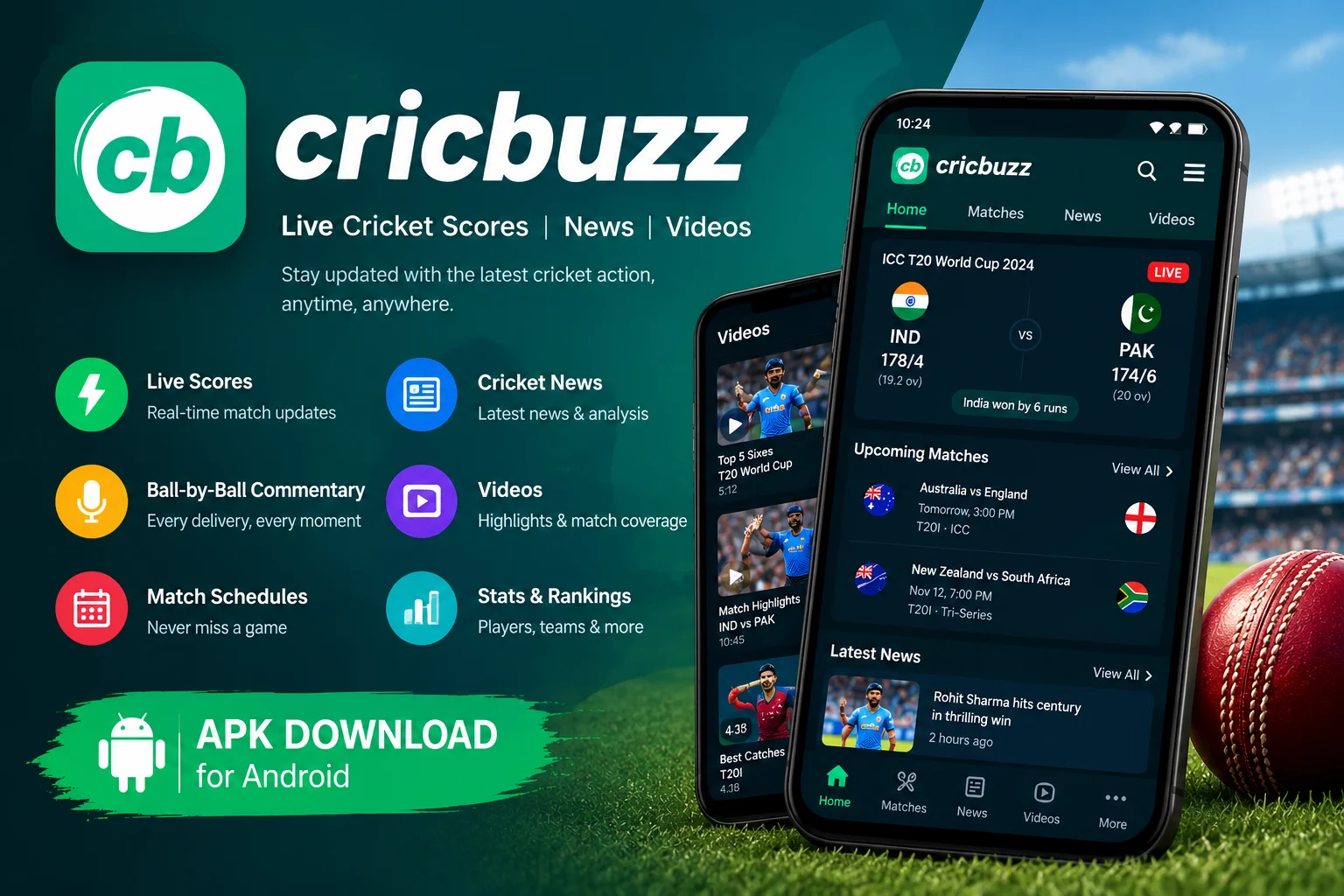
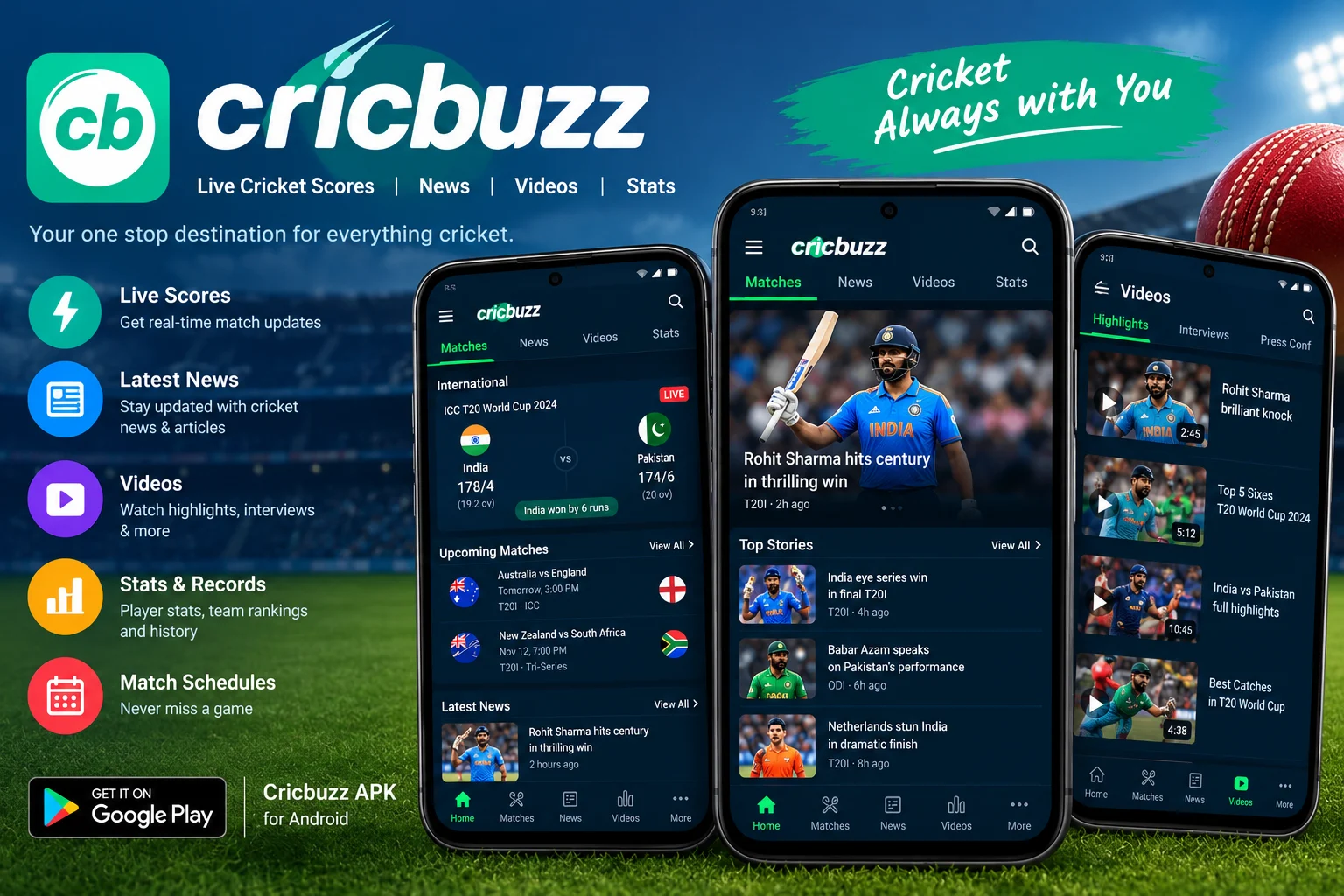
Cricbuzz is a cricket app that helps fans follow live scores, match updates, player statistics, and cricket news on Android devices. It covers international matches, domestic competitions, and popular cricket tournaments. Users can also check upcoming fixtures and follow matches through ball-by-ball commentary.
Some users search for a Cricbuzz APK old version because they prefer an earlier interface or have compatibility issues with a newer release. Before installing an older version, it is important to check its Android requirements, available features, and file details.
The official Google Play listing confirms that Cricbuzz offers live scores, commentary, notifications, news, schedules, videos, rankings, statistics, and records.
Cricbuzz 16.14.00 APK information
| File detail | Hosted download |
|---|---|
| Version | 16.14.00 |
| Package | com.cricbuzz.android |
| Minimum Android | 7.0+ |
| Download size | 39.97 MiB (41,908,730 bytes) |
| Format | APK |
The available download is version 16.14.00. These measurements describe this hosted APK, not another archive’s bundle or the latest release in every store.
Version, package name and minimum Android requirement were read from the hosted file. File size was checked separately. These checks do not establish publisher authenticity, malware safety or successful operation on a device.
Key Features of Cricbuzz APK
1. Live Cricket Scores
Cricbuzz provides live cricket scores and match updates for fans who want to follow games without watching every ball on television. The app displays current scores, innings information, and match progress for supported competitions.
2. Ball-by-Ball Commentary
The ball-by-ball commentary feature explains what happens during a match. Users can follow important deliveries, wickets, boundaries, and changes in the score through written updates.
3. Cricket News and Updates
The app includes cricket news, match reports, previews, and editorial content. These sections help users keep up with teams, players, tournaments, and other developments in the cricket world.
4. Match Schedules and Notifications
Cricbuzz lists upcoming fixtures and provides notifications for live matches and cricket news. Users can enable relevant notifications to receive updates without repeatedly opening the app.
5. Player Statistics and Rankings
Users can explore player statistics, rankings, records, and other match-related information. These details are useful for comparing performances and understanding how players perform across different competitions.
6. Videos and Match Coverage
The app also offers cricket videos and tournament-related content. Video availability and live-streaming access may depend on the competition, region, and applicable service arrangements. Not every match is necessarily available to watch live.
Cricbuzz Old Version vs Latest Version
Some users prefer a previous version because it may have a familiar layout or behave differently on their device. However, installing an old version does not guarantee better performance.
Here are the main differences to consider before choosing a Cricbuzz APK download.
| Feature | Old version | Latest version |
|---|---|---|
| Interface | May have an earlier layout | Uses the currently released design |
| Live scores | Availability depends on app compatibility and services | Supported by the current release |
| Commentary | Layout and presentation may differ | Includes the currently supported features |
| Bug fixes | May lack later fixes | Includes fixes listed for that release |
| Android support | Depends on the selected version | Check current device compatibility |
| Security and maintenance | May lack newer improvements | Generally receives newer maintenance updates |
The exact differences depend on the two releases. No release-by-release feature comparison has been established for the hosted 16.14.00 file, so the table describes points to assess rather than measured improvements.
If the latest version works correctly on your phone, it is generally preferable to keep it updated. Choose an older release only after checking compatibility and the source of the installation file.
Cricbuzz APK old version download
Select version 16.14.00 from Available downloads above. The file is a standard APK for Android 7.0 or later, measuring 39.97 MiB. Check your Android version and keep any account or local settings you need before replacing an installation.
For the current publisher-distributed app, use Cricbuzz on Google Play. Its current store listing and the archived file here can have different requirements.
How to Install Cricbuzz APK on Android
If a verified APK file is available, follow these general steps.
- Download the file from a trustworthy source.
- Open your phone’s Downloads folder and locate the downloaded file.
- Tap the file to start installation.
- If Android requests permission to install apps from that source, review the request and allow it only if you trust the source.
- Follow the on-screen instructions to complete installation.
- Open Cricbuzz and check whether scores, commentary, and other available features work correctly.
For an APK bundle, follow the installation instructions provided by its source. Do not assume that a bundle can be installed by tapping it like a regular APK.
Important: Installing an older version over a newer release may fail because of signature or compatibility differences. Uninstalling the existing app can also remove locally stored data, so back up anything important before making changes. Avoid downloading modified APK files or granting unnecessary permissions.
Common Cricbuzz APK Problems and Solutions
App Not Installing
Check whether your Android version meets the selected release’s requirements. Also verify that the file downloaded completely and is the correct package type for your device.
App Keeps Crashing
Restart your phone and check for available storage. You can also clear the app cache through Android settings. If the problem continues, consider installing a supported release from an official source.
Live Scores Are Not Updating
Check your internet connection and make sure Cricbuzz is allowed to use mobile data or Wi-Fi. If other websites work normally, the issue may be temporary or related to the app’s service.
Notifications Are Not Working
Open Android settings, select Cricbuzz, and review its notification permissions. Check whether battery-saving settings are restricting background activity.
Older Version Is Not Working Properly
Some older releases may no longer work as expected with current services. Return to a supported version if scores, commentary, or other functions stop working.
Frequently Asked Questions
1. What is Cricbuzz APK Old Version?
Cricbuzz APK old version refers to an earlier Android installation package of the Cricbuzz cricket app. Users may look for previous versions because of interface preferences or device compatibility.
2. Is Cricbuzz free to download?
The official Google Play listing offers Cricbuzz as a free download and indicates that the app contains advertisements. Some services or content may have separate availability or access requirements.
3. Which Android version is required for Cricbuzz?
The hosted Cricbuzz 16.14.00 APK declares Android 7.0 or later. That is the package’s installation minimum, not a guarantee that scores, notifications or every other feature will work on a particular phone.
4. Can I install an old Cricbuzz version on my phone?
Possibly, provided the version supports your device and Android allows the installation. Compatibility, signing, and package-format differences can prevent installation. Older releases may also have limited functionality.
5. Is it safe to download Cricbuzz APK from another website?
Safety depends on the source and the integrity of the file. Prefer the official Google Play listing where possible. If using another source, verify the developer signature and file details, and avoid modified or suspicious APKs.
Final Words
Cricbuzz is a useful option for following live cricket scores, ball-by-ball commentary, match schedules, news, and player statistics on Android. A Cricbuzz APK old version may suit users who prefer an earlier release, but compatibility and ongoing support should be checked before installation.
Use the file details above to check compatibility before downloading. If live scores stop updating, compare the same match on Cricbuzz’s website before changing versions; an APK replacement may not resolve a service or connection problem.
Installation guide
- Choose the release you need and check its Android requirement.
- Use that version’s download button, then open your browser’s Downloads list.
- Check the file’s source and version before opening it. Follow Android’s installation prompts and keep Play Protect enabled.
- If replacing an existing app, back up its data first. A downgrade may require uninstalling the current app.
Frequently asked questions
Which version should I choose?
Start with the release you need and check the requirements supplied for that file.
Why is a download unavailable?
A working download link is not currently available for that release. Check the available downloads above for other releases.
Will an old version still work?
That depends on your device and the app’s current online services. A download link alone does not confirm compatibility or service availability.
App preview














Ratings & reviews
No reviews yet.