

Old versions for Android
Sportsurge APK
Inspect Sportsurge 1.0.0 APK details for Android 5.0+, including package identity, download size and limits of the file verification.
Available downloads 1
1.0.0
Version details for 1.0.0
Version and Android requirement read from this APK.
No versions match this requirement. Choose “All Android requirements” to see every release.
Report a download problem
The Sportsurge download on this page is version 1.0.0, package com.app.sportsurgelatest. It is an Android APK for devices running Android 5.0 or later. This identifies the hosted file; it does not establish that a Sportsurge website published it.
Sportsurge 1.0.0: exact file details
| File detail | Hosted download |
|---|---|
| Version | 1.0.0 |
| Package | com.app.sportsurgelatest |
| Minimum Android | 5.0+ |
| Download size | 17.03 MiB (17,856,171 bytes) |
| Format | APK |
Select 1.0.0 in Available downloads to obtain Sportsurge_1.0.0.apk. The measured download is 17.03 MiB. A 21 MB figure quoted by another listing does not describe this hosted file.
Is this an official Sportsurge app?
A publisher-authenticated connection between this package and a particular Sportsurge website has not been established. It is therefore not labelled an official release. A familiar logo, matching name or the word “latest” inside a package identifier does not prove that connection.
Version, package name and minimum Android requirement were read from the hosted file. File size was checked separately. These checks do not establish publisher authenticity, malware safety or successful operation on a device.
What does “old version” mean on this page?
Only the 1.0.0 file is available here. There is no verified release sequence showing when it was published, what came before it or which changes followed it. The download should not be treated as a complete Sportsurge version archive.
If you already use an app with this name, compare its package identity before considering a replacement. A different package may be a different application entirely. Even a matching package requires compatible signing information to replace an existing installation.
Check what you actually need
If your goal is watching a particular event, an old installer alone does not establish access to it. The hosted APK has not been run to confirm its live-streaming features, sports schedules or score updates. Look for the event in a service that confirms its availability before changing apps.
If you are investigating an update problem, record the exact symptom. An app that closes immediately is different from a running app with an unavailable video. That distinction helps avoid replacing software when the problem is a content source or connection.
Installation and common errors
For this standard APK, first compare your Android version with the listed minimum and check free storage. Complete the download before opening it. Review the installation source and requested permissions, and keep Play Protect enabled.
An “App not installed” message may involve device requirements, an incomplete file, a downgrade or incompatible signing information. Do not erase a working installation before saving its local data. If the app installs but closes, restart the device and try clearing its cache before making further changes.
Questions about the download
Is 1.0.0 the latest official version?
That has not been established. It is the version reported by the available file, not a confirmed latest release from an authenticated publisher.
Will an older APK restore missing streams?
It cannot guarantee that. Content and servers can change independently of the installer.
Does a metadata check prove the file is safe?
No. Reading a package manifest and measuring a download are different from malware analysis or confirming its publisher signature. Those additional assurances are not claimed for this file.
Installation guide
- Choose the release you need and check its Android requirement.
- Use that version’s download button, then open your browser’s Downloads list.
- Check the file’s source and version before opening it. Follow Android’s installation prompts and keep Play Protect enabled.
- If replacing an existing app, back up its data first. A downgrade may require uninstalling the current app.
Frequently asked questions
Which version should I choose?
Start with the release you need and check the requirements supplied for that file.
Why is a download unavailable?
A working download link is not currently available for that release. Check the available downloads above for other releases.
Will an old version still work?
That depends on your device and the app’s current online services. A download link alone does not confirm compatibility or service availability.
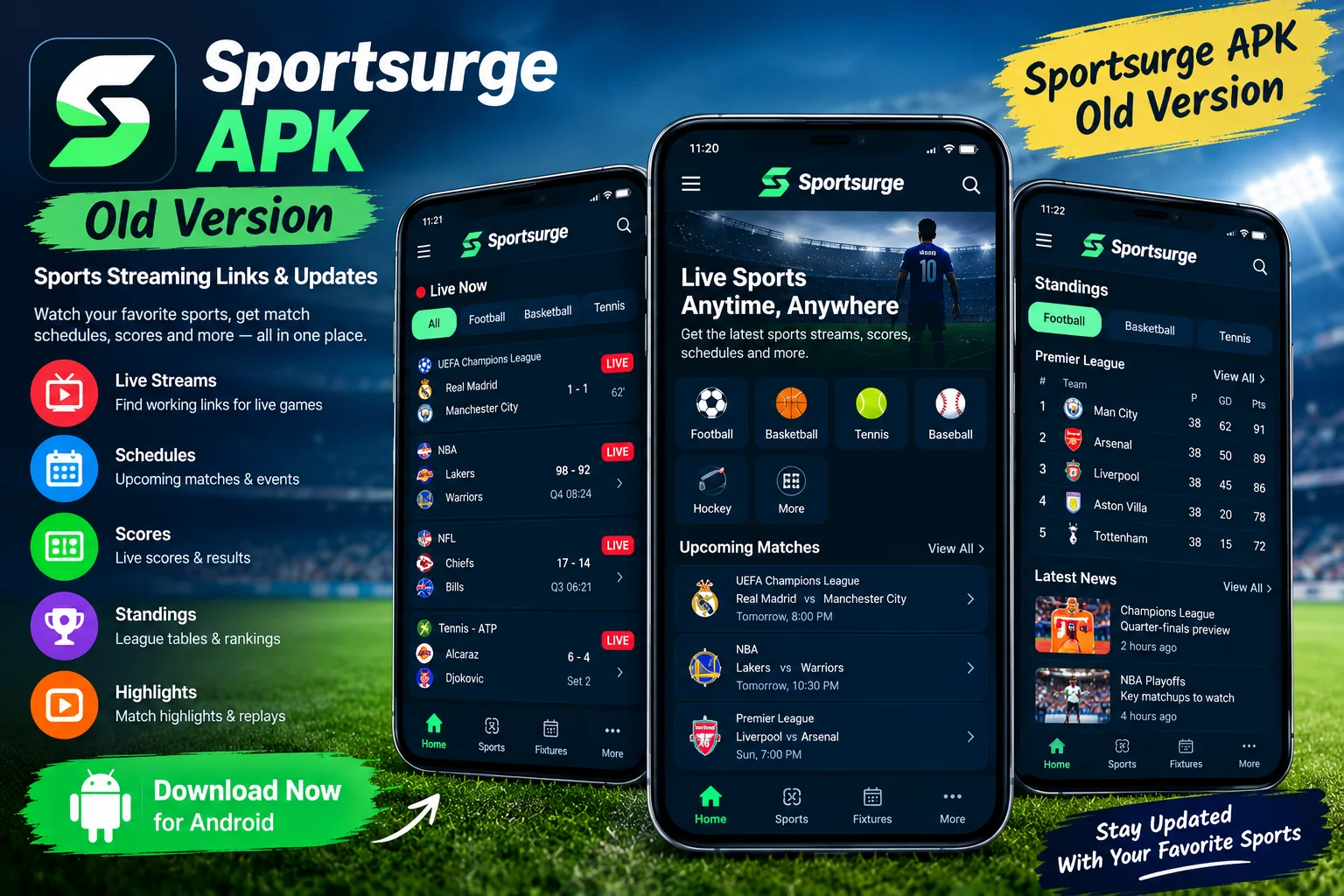
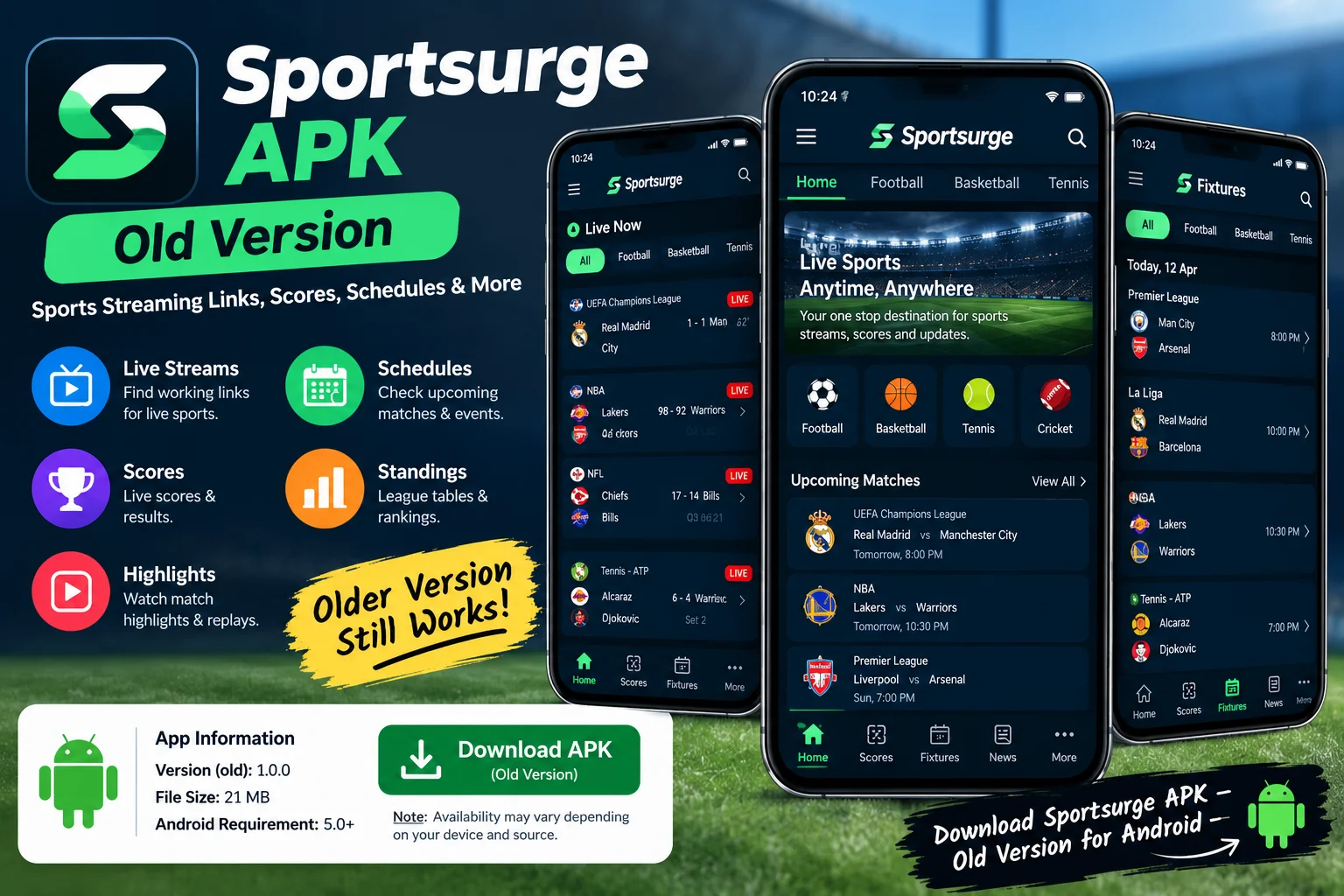
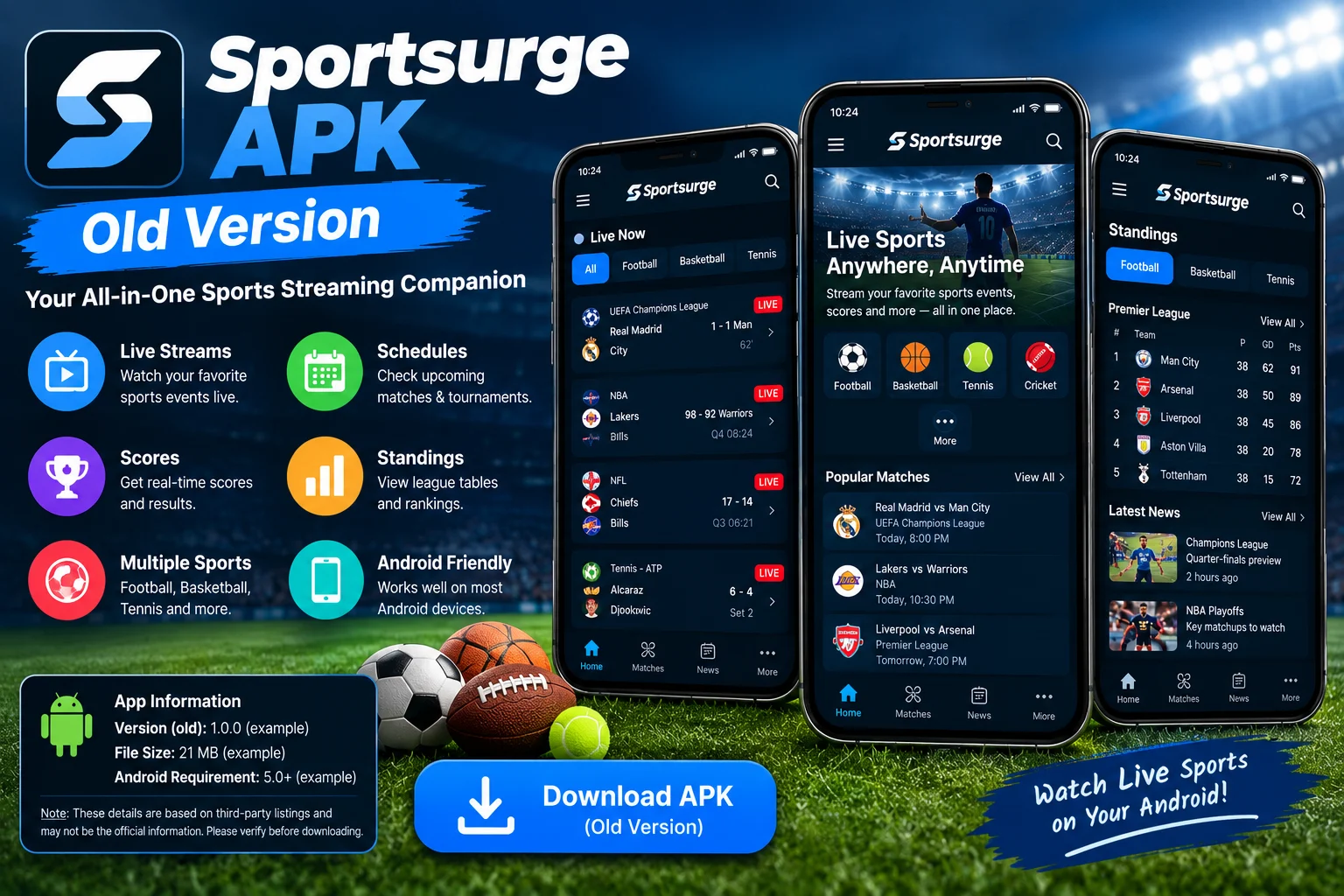
App preview













Ratings & reviews
No reviews yet.