

Old versions for Android
Whatsapp Group Links
Distinguish WhatsApp group invitations from third-party directory apps and check privacy, package identity and old-version claims.
Available downloads 0
No download is currently available for this app. You can report a missing download below.
Report a download problem
You do not need a third-party APK merely to receive a WhatsApp group invitation. A group-links directory is a separate product from WhatsApp itself, and its listings may contain expired or revoked invitations. If you are looking for an older directory app, identify its publisher rather than assuming it is an official WhatsApp release.
What Is WhatsApp Group Links APK?
The phrase WhatsApp Group Links APK is commonly used in searches related to Android apps, WhatsApp groups, and links that allow users to join group conversations. However, it does not necessarily refer to one official application published by WhatsApp.
WhatsApp itself is a messaging service that supports group chats. Group administrators can create invitation links and share them with people they want to invite. Depending on the group’s settings, someone with a valid invitation link may be able to request or complete the joining process.
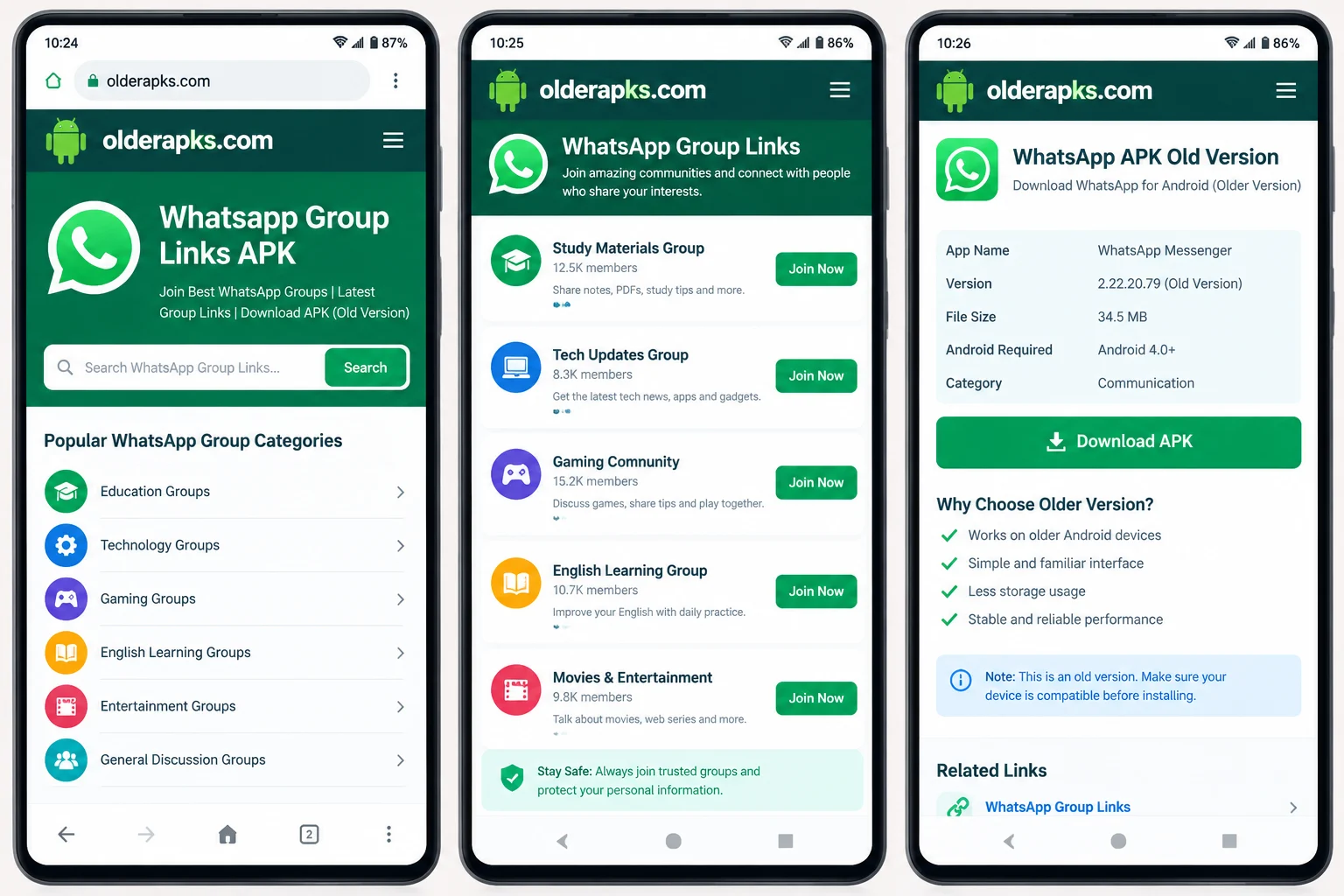
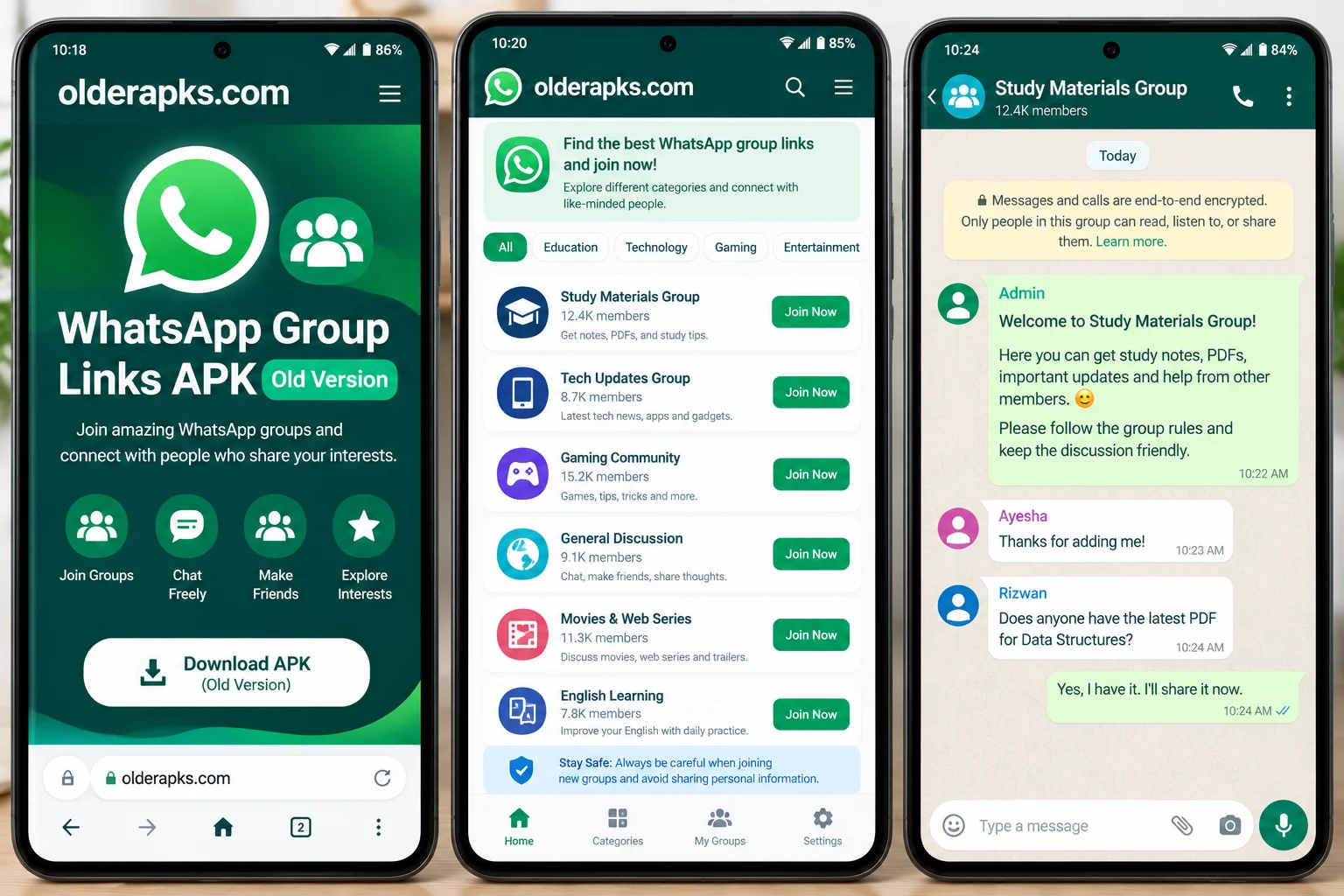
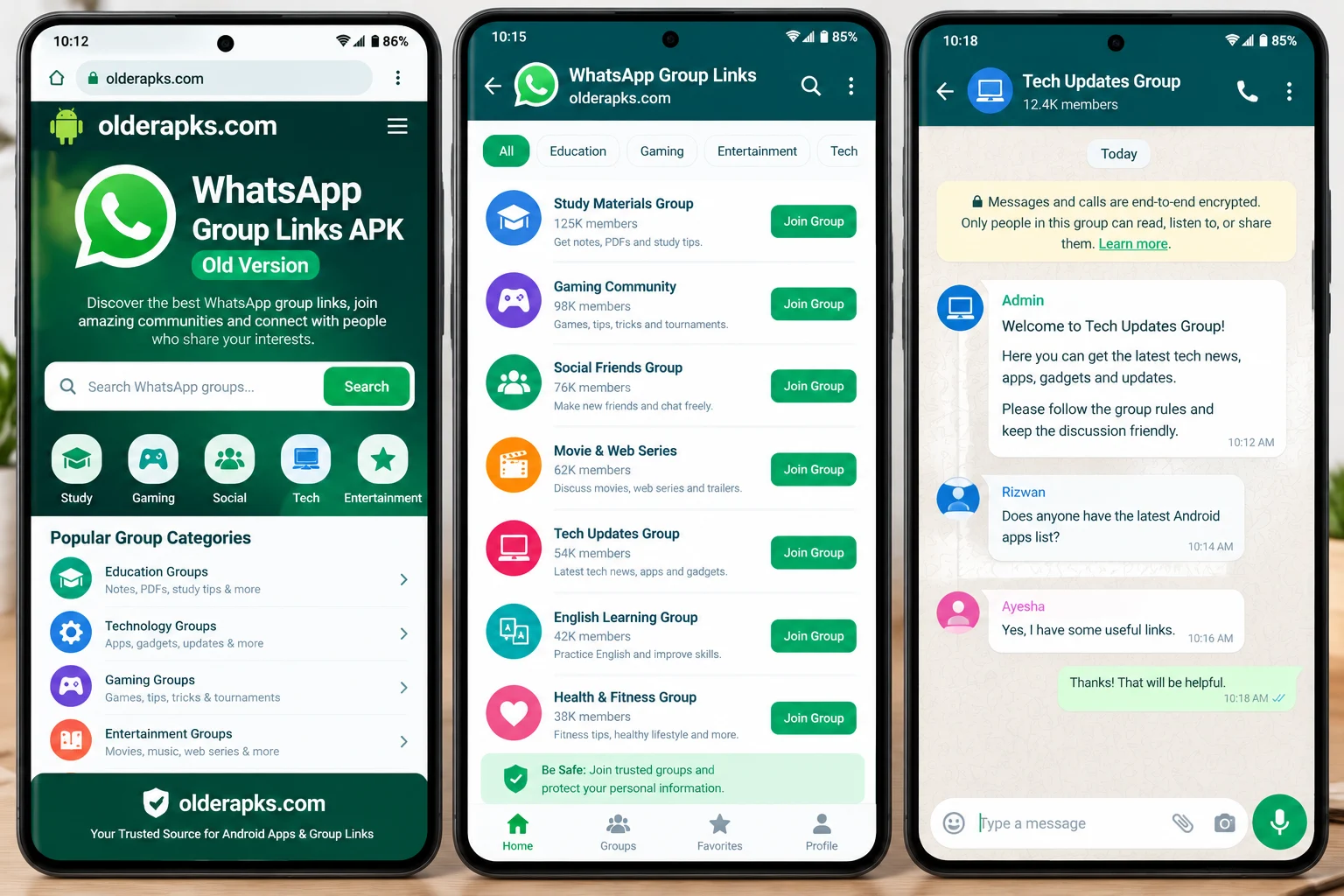
Some third-party websites collect or publish WhatsApp group links for different interests. These may include education, technology, entertainment, gaming, language learning, and general discussion. Such websites and directories are separate from the official WhatsApp service, so users should check their reliability before following any link.
If your goal is to join WhatsApp communities, you may not need a separate APK. The official WhatsApp application is generally the recommended way to access group chats on Android.
Why Do Users Search for WhatsApp Group Links Old Version?
There are several reasons why people search for WhatsApp group links and older Android app versions.
1. Joining Communities With Similar Interests
WhatsApp groups can bring people together around a shared topic. Students may use groups to discuss study materials, while hobbyists might share tips about photography, technology, sports, or other interests.
Searching for relevant WhatsApp group links can help users discover communities that match their needs. Always review a group’s purpose and rules before joining.
2. Using an Older Android Phone
Some users have smartphones that no longer support the newest version of an application. This can lead them to search for WhatsApp APK old version or WhatsApp old version download options.
Compatibility depends on the particular Android version and app release. An older APK may not work with current WhatsApp services, and using an outdated version can create security and reliability problems.
3. Looking for a Familiar App Experience
Users sometimes prefer an earlier interface or are accustomed to a particular version of an app. However, an older version does not guarantee that every feature will continue to work. Online services can change their requirements, which may affect older releases.
4. Finding Topic-Based Group Invitations
People also search for WhatsApp group links by subject. Examples include study groups, English learning communities, job information groups, technology discussions, and entertainment communities.
Choose groups that clearly explain their purpose and avoid joining directories that promise unrealistic rewards or request sensitive personal information.
Popular Types of WhatsApp Group Links
The type of WhatsApp group you choose should depend on your interests and the kind of conversations you want to join.
Education WhatsApp group links: These groups may help students exchange study tips, discuss subjects, and share publicly available learning resources.
Technology WhatsApp groups: Technology communities may discuss Android applications, smartphones, software updates, and general troubleshooting.
English learning WhatsApp groups: Language-learning communities can provide opportunities to practice vocabulary, discuss grammar, and share learning materials.
Gaming WhatsApp group links: Gaming communities allow members to discuss games, exchange tips, and coordinate with other players.
Entertainment WhatsApp groups: These groups may focus on movies, general entertainment, and shared interests. Check group rules and copyright considerations before sharing media.
Community discussion groups: Some groups are created for local information, hobbies, or general conversations. Confirm that the community is appropriate for you before joining.
Remember that these are examples of group categories, not verified or guaranteed active invitation links. Group availability and membership rules can change at any time.
Main Features of WhatsApp Group Chats
WhatsApp offers several features that make group communication convenient. The features available to you may depend on your app version and account.
Group Messaging
Members can exchange text messages and participate in group discussions. This makes it easier to communicate with several people without sending individual messages to everyone.
Photos and Document Sharing
WhatsApp supports sharing various types of media and documents, subject to applicable limits. Before opening files from unfamiliar group members, make sure you trust the source.
Voice Messages
Voice messages allow users to communicate without typing every word. They can be useful when a message requires more explanation than a short text.
Group Administration
Group administrators can manage membership and certain group settings. They may also control how people are invited and whether new members need approval.
Invitation Links
An invitation link can make joining a group easier than adding every member individually. However, public links can spread beyond their intended audience, so administrators should manage them carefully.
How to Join a WhatsApp Group Safely
If you find a WhatsApp group invitation link, follow these general steps.
- Make sure you have the official WhatsApp application installed from a trusted source.
- Check the website or person sharing the invitation link.
- Read the group description, when available, to understand its purpose.
- Open the invitation link and review the group information shown by WhatsApp.
- Join only if you are comfortable with the community and its rules.
- Adjust your privacy settings to control who can see relevant account information.
Do not share passwords, verification codes, banking details, or other sensitive information with group members. Be cautious of links that promise free money, prizes, or special access in exchange for personal information.
How to Download WhatsApp APK for Android
For most users, downloading WhatsApp through Google Play or the official WhatsApp website is the safest choice. Official sources are preferable because they reduce the risk of installing modified or malicious applications.
If you are searching for WhatsApp APK old version, first check whether your Android device supports the current official release. An older APK from an unknown website may contain unwanted modifications, lack important security updates, or fail to connect to WhatsApp’s services.
Before installing any APK file, check the source, version information, Android requirements, and requested permissions. Avoid applications that ask you to provide your WhatsApp verification code to an unrelated website or person.
Also, remember that a group invitation link is not the same thing as an APK installation file. You generally do not need a special app called WhatsApp Group Links APK just to join a WhatsApp group.
Common Problems With WhatsApp Group Links
The Invitation Link Does Not Work
A group link may have been reset, revoked, entered incorrectly, or made unavailable by the administrator. Ask the person who shared it for a current invitation link from a trusted source.
The Group Is Full or Restricted
Some groups may limit membership or require administrator approval. In such cases, follow the joining instructions displayed in WhatsApp or contact the group’s administrator.
WhatsApp Is Not Installing
Installation problems may result from insufficient storage, device incompatibility, or a damaged installation file. Check your Android version and use an official download source rather than repeatedly trying unknown APK files.
The Group Contains Spam
Publicly shared group links can attract spam or unwanted messages. Leave groups that make you uncomfortable, report suspicious activity through WhatsApp’s available tools, and avoid opening unexpected links or attachments.
Is WhatsApp Group Links APK Old Version Safe?
Safety depends on the application source, the version being used, and the behaviour of the people sharing group links. An outdated or modified APK may expose users to privacy risks or fail to receive important security fixes.
Public WhatsApp groups also come with privacy considerations. Depending on your settings and the group, other members may be able to see certain account details. Review your privacy controls and think carefully before sharing personal photographs, contact information, or private conversations.
For a safer experience, use the official WhatsApp application, join communities with clear rules, and avoid suspicious downloads. Never install an unknown application just because a website claims it provides exclusive WhatsApp group links.
Frequently Asked Questions
What is WhatsApp Group Links APK?
It is a search phrase commonly associated with WhatsApp group invitation links and Android apps or websites that list them. It does not necessarily identify an official standalone WhatsApp application.
Can I join WhatsApp groups without downloading another APK?
Yes. If you already have the official WhatsApp app, you can generally join a group through a valid invitation link without installing a separate group-links application.
Does WhatsApp old version support group links?
Support depends on the app release and current WhatsApp service requirements. An outdated version may not work correctly, so using the latest supported official version is generally recommended.
Are all WhatsApp group links safe?
No. Some links may lead to spam, misleading offers, or inappropriate communities. Check the source and group details before joining.
Where should I download WhatsApp for Android?
Use Google Play or the official WhatsApp website whenever possible. Avoid modified APKs and websites that ask for your verification code or account password.
Installation guide
- Choose the release you need and check its Android requirement.
- Use that version’s download button, then open your browser’s Downloads list.
- Check the file’s source and version before opening it. Follow Android’s installation prompts and keep Play Protect enabled.
- If replacing an existing app, back up its data first. A downgrade may require uninstalling the current app.
Frequently asked questions
Which version should I choose?
Start with the release you need and check the requirements supplied for that file.
Why is a download unavailable?
A working download link is not currently available for that release. Check the available downloads above for other releases.
Will an old version still work?
That depends on your device and the app’s current online services. A download link alone does not confirm compatibility or service availability.
App preview











Ratings & reviews
No reviews yet.