

Old versions for Android
SHWhatsApp APK
Review the SHWhatsApp file's reported version, Android 5.0+ requirement and package identity, plus backup and account-access considerations.
Available downloads 1
2.25.15.80
Version details for 2.25.15.80
Version and Android requirement read from this APK.
No versions match this requirement. Choose “All Android requirements” to see every release.
Report a download problem
The SHWhatsApp download here reports package com.sh1whatsapp and version 2.25.15.80. The filename also contains V520, which is a separate label and should not be substituted for the version reported inside the APK. Check the package before attempting to replace a different WhatsApp edition, and keep a separate copy of important chats and media.
Archived download details
| Detail | Inspected file |
|---|---|
| Reported version | 2.25.15.80 |
| Package | com.sh1whatsapp |
| Minimum Android | 5.0+ |
| Download size | 105.56 MiB |
| File format | APK |
These fields describe the file in Available downloads. Reading package metadata does not verify its publisher, malware safety or runtime behaviour. A complete release history and version-by-version feature test have not been established here.
What Is SHWhatsApp APK?
SHWhatsApp APK is a name users may encounter when searching for an alternative or modified WhatsApp-style messaging application. An APK is an Android application package, the file format used to install applications on Android devices.
The exact developer, features, and authenticity of SHWhatsApp should be verified before downloading it. Its name alone does not establish an official connection with WhatsApp or Meta.
People searching for SHWhatsApp APK old version may want to explore earlier releases, compare different app versions, or investigate whether a particular release is compatible with their Android phone.
Why Do Users Search for SHWhatsApp Old Version?
There are several reasons why users look for SHWhatsApp old APK versions.
1. Familiar User Interface
Some users prefer the layout of an earlier application release. Changes to menus, settings, and navigation can take time to get used to, so users sometimes search for an older version that feels more familiar.
2. Compatibility With Older Android Devices
Not every application supports every Android version. Users may search for SHWhatsApp old version for Android to determine whether an earlier release supports their smartphone.
However, an older APK does not automatically guarantee better compatibility or performance. Always check the requirements of the specific release.
3. Interest in Previous Features
People sometimes search for SHWhatsApp previous version to learn how an application has changed over time. Comparing reliable release information can help users understand which features are available in different versions.
4. Troubleshooting Problems
When an application stops working properly, some users look for an older release. However, crashes and connection errors may also result from network problems, insufficient storage, operating system incompatibility, or changes to online services.
Installing an outdated APK is not always an effective solution.
Features to Check Before Downloading SHWhatsApp APK
The exact features of SHWhatsApp depend on the specific application and release. Before installing it, review the developer’s documentation and verify any claims made by the download website.
Here are some important areas to investigate:
- Messaging: Confirm which messaging functions are supported.
- Media sharing: Check whether the application supports sending photos, videos, and documents.
- Privacy settings: Review the available controls and privacy information.
- Android compatibility: Check the minimum operating system requirements.
- Version details: Look for the version number, release date, and developer information.
- Security updates: Determine whether the application is maintained and distributed through a trustworthy source.
Avoid assuming that SHWhatsApp includes specific customization options, extra privacy features, or other benefits unless reliable information confirms them.
SHWhatsApp APK Old Version vs Latest Version
Choosing between SHWhatsApp old version APK and a newer release depends on compatibility, reliability, and security.
An older version may offer an interface that some users prefer, but it may also lack important security improvements. A newer release may include fixes and updated compatibility, depending on the developer and application.
Before choosing SHWhatsApp APK old version, consider the following factors.
Compatibility: Check whether the release supports your Android device.
Security: Older applications may contain vulnerabilities that have been addressed in later versions.
Stability: Outdated releases may experience crashes, login errors, or connection problems.
Features: Not every feature described online will necessarily be available in the version you download.
Support: Unofficial messaging applications may not receive support from WhatsApp or Meta.
For regular communication, the official WhatsApp application is generally the safer option.
How to Download SHWhatsApp APK Old Version
If you are searching for SHWhatsApp APK download or SHWhatsApp old version download, follow these precautions before installing a file.
Step 1: Verify the Developer
Find out who developed the application. Do not assume that an app is officially associated with WhatsApp simply because its name contains WhatsApp.
Step 2: Check Version Information
Review the version number, release date, Android requirements, and available documentation. Avoid files with unclear descriptions or misleading claims.
Step 3: Choose a Trustworthy Source
Prefer official distribution channels whenever possible. If the APK is available only through a third-party website, assess the website’s credibility and check whether the file’s origin can be verified.
Step 4: Review App Permissions
Check the permissions requested by the application. Be cautious if it requests access that appears unnecessary for its intended purpose.
Step 5: Protect Your Personal Information
Never share your verification code or account password with a download website. Avoid applications that promise guaranteed access to extra features without providing reliable information about their origin.
These precautions apply whether you are searching for SHWhatsApp APK for Android, SHWhatsApp old APK, or SHWhatsApp previous version.
Is SHWhatsApp APK Safe?
The safety of an APK depends on its developer, the specific file, its permissions, and how it handles personal information. A download page or filename cannot guarantee that an application is safe.
Unofficial or modified messaging apps may introduce privacy and security risks. Depending on the software, these risks can include unwanted programs, excessive permissions, account problems, or exposure of personal information.
To protect your Android device, use trusted sources, keep your operating system updated, and avoid applications whose developers or security practices cannot be verified.
If your priority is reliable messaging and account protection, consider using the official WhatsApp application instead.
Common SHWhatsApp APK Problems
Users installing unfamiliar or outdated APK files may encounter several issues.
Installation failed: The file may not support your Android version or may conflict with an existing package signature.
Application crashes: The software may contain bugs or require components that are unavailable on your device.
Login problems: An unofficial client may not work with current authentication systems or online services.
Missing features: The actual application may not match the description provided by the download website.
Security warnings: Android may flag an application as potentially harmful. Do not ignore these warnings simply to complete the installation.
Check the source and compatibility details before proceeding. If the application continues to cause problems, remove it and use a trusted alternative.
Frequently Asked Questions
What Is SHWhatsApp APK Old Version?
SHWhatsApp APK old version is a search term used by people looking for an earlier release of an application called SHWhatsApp. Its developer, features, and authenticity should be independently verified.
Can I Download SHWhatsApp Old Version for Android?
Availability depends on the specific release and its source. Before downloading, check the developer, version details, compatibility, and file integrity.
Is SHWhatsApp an Official WhatsApp Application?
The name alone does not establish an official connection with WhatsApp or Meta. Verify the publisher before trusting the application.
Is SHWhatsApp APK Safe to Install?
Safety cannot be guaranteed without checking the specific file and developer. Unofficial or modified APKs may present privacy and security risks.
Will SHWhatsApp Old Version Work on Every Android Phone?
No. Compatibility depends on the APK’s requirements, your phone’s Android version, and whether the application still works with its associated services.
Should I Use an Old or New WhatsApp Version?
For everyday communication, the official, updated WhatsApp application is generally recommended because it is more likely to receive current security and compatibility improvements.
Final Words
SHWhatsApp APK old version may interest users who want to research previous releases, explore Android compatibility, or compare messaging applications. However, its name alone does not verify the developer, available features, or safety.
Before downloading SHWhatsApp old version APK, review the version information, verify the source, and understand the possible risks of using unofficial messaging software. Choosing a trustworthy application and protecting your personal information should always come before installing an older release.
Sources and further details
Installation guide
- Choose the release you need and check its Android requirement.
- Use that version’s download button, then open your browser’s Downloads list.
- Check the file’s source and version before opening it. Follow Android’s installation prompts and keep Play Protect enabled.
- If replacing an existing app, back up its data first. A downgrade may require uninstalling the current app.
Frequently asked questions
Which version should I choose?
Start with the release you need and check the requirements supplied for that file.
Why is a download unavailable?
A working download link is not currently available for that release. Check the available downloads above for other releases.
Will an old version still work?
That depends on your device and the app’s current online services. A download link alone does not confirm compatibility or service availability.
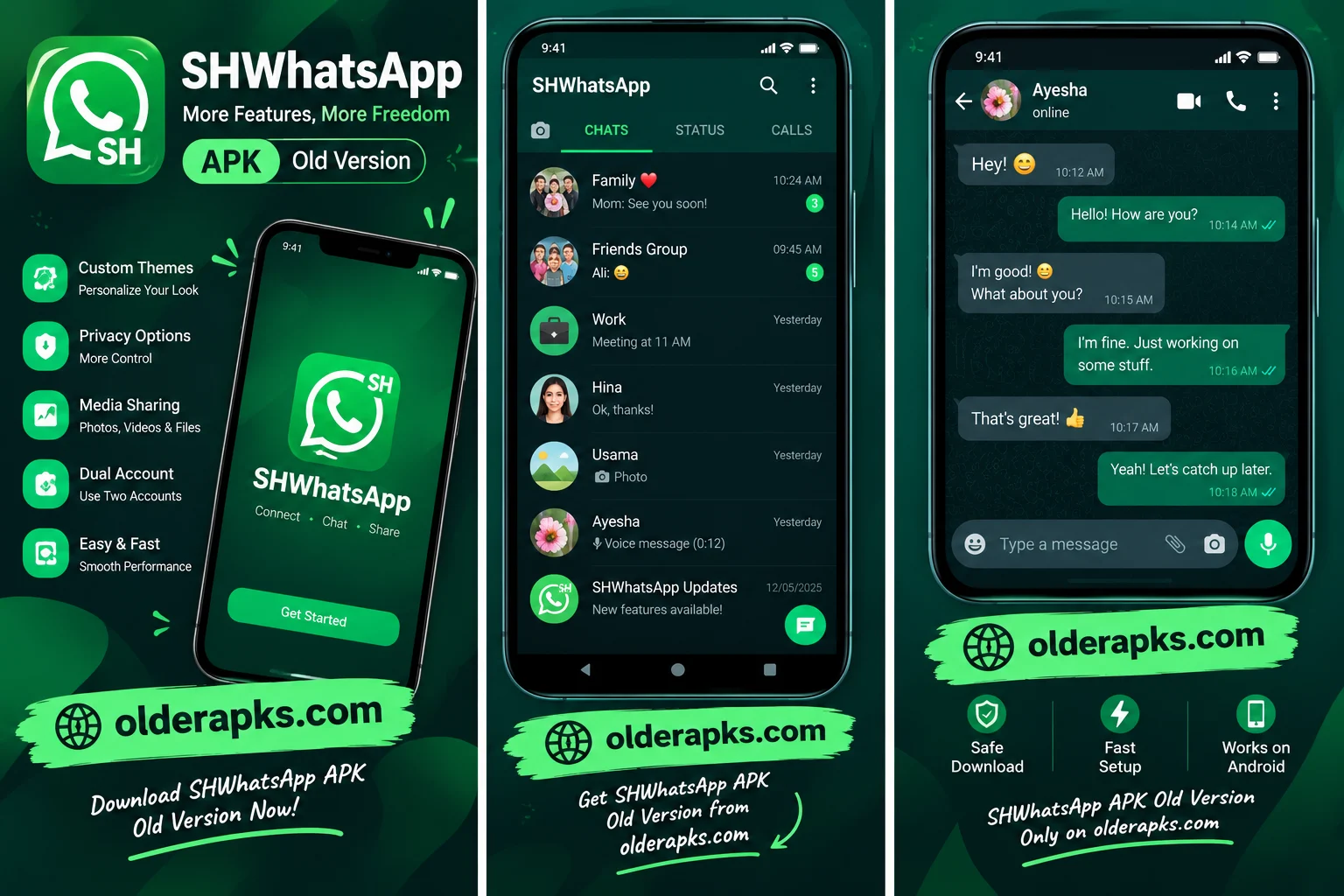
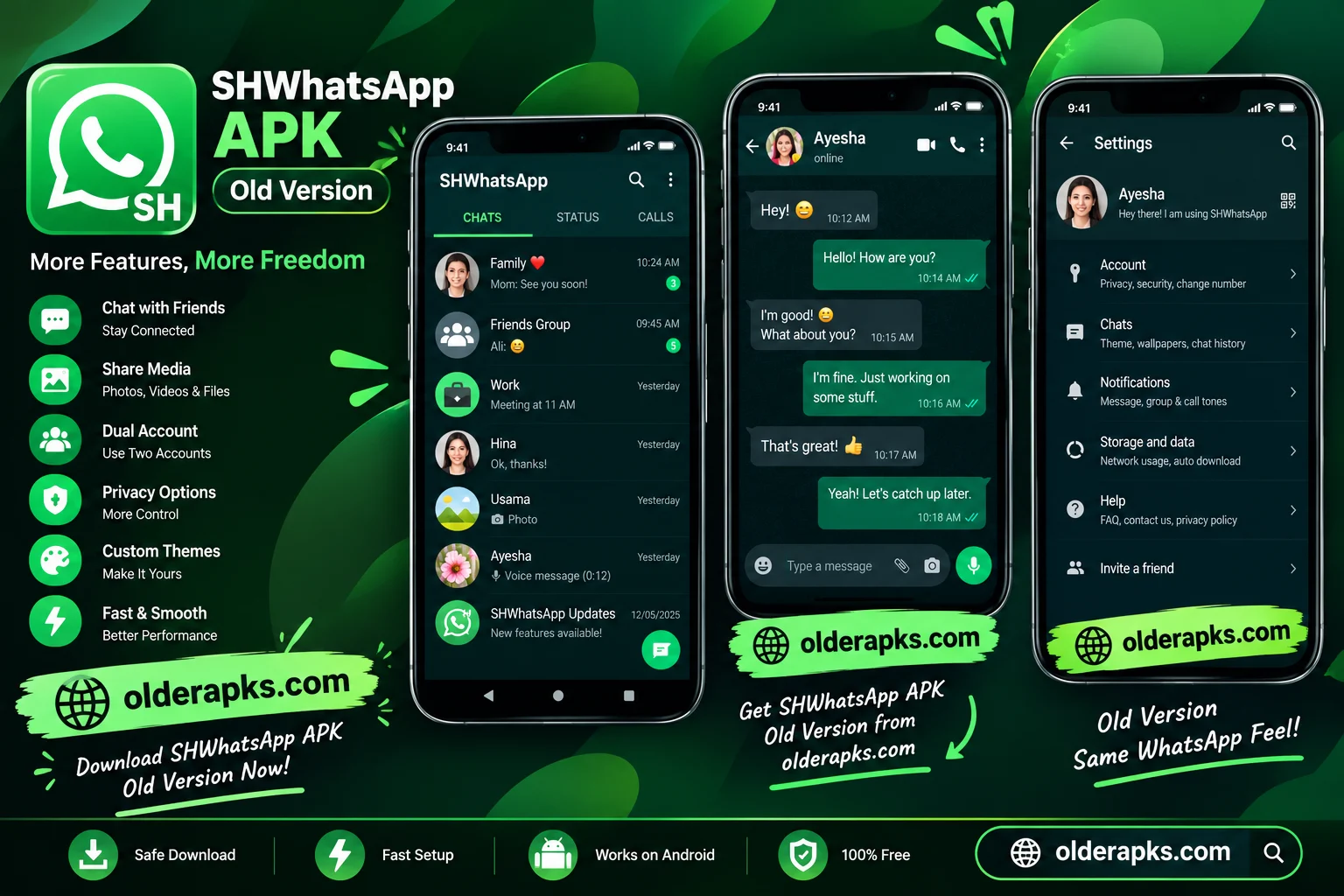
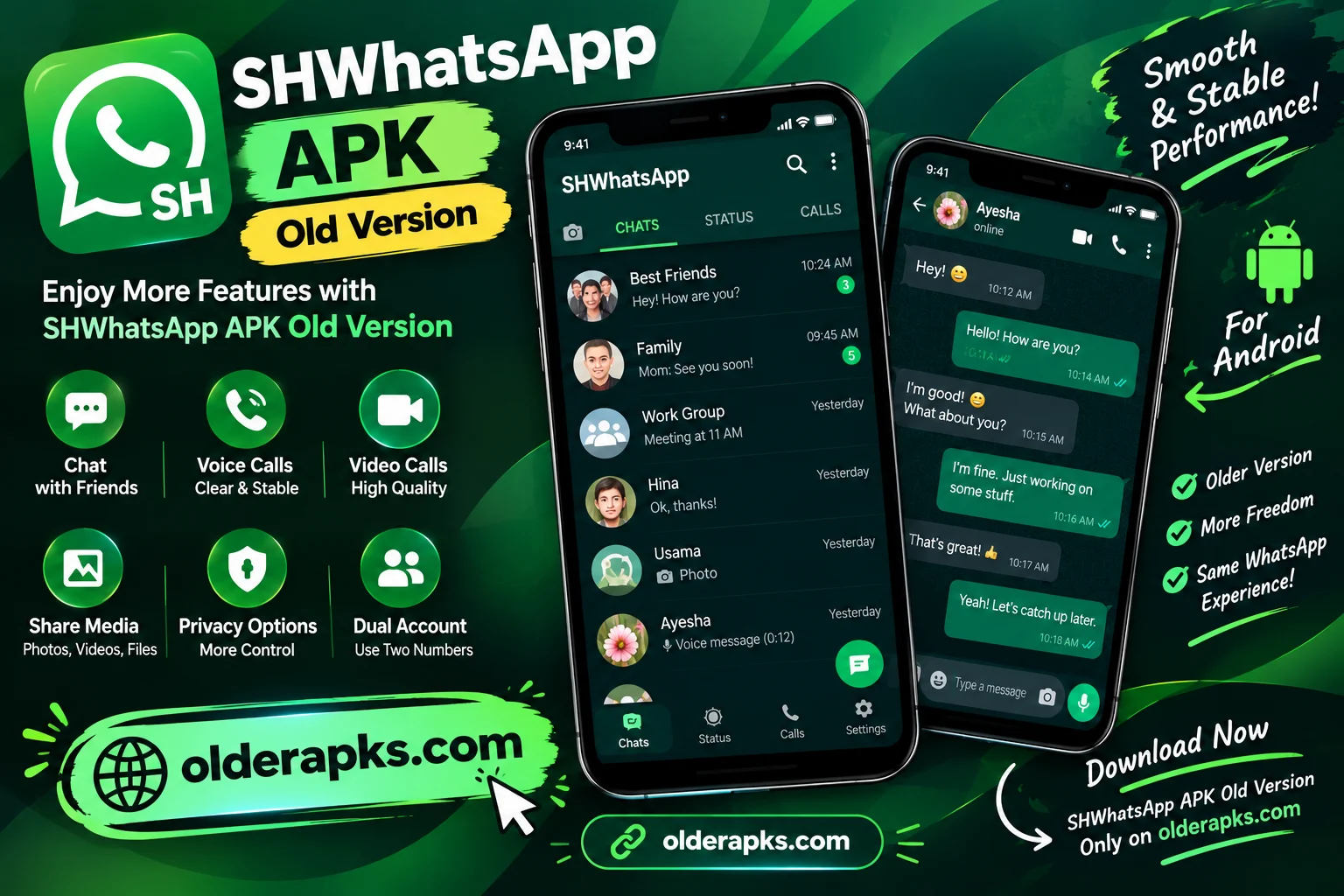
App preview










Ratings & reviews
No reviews yet.